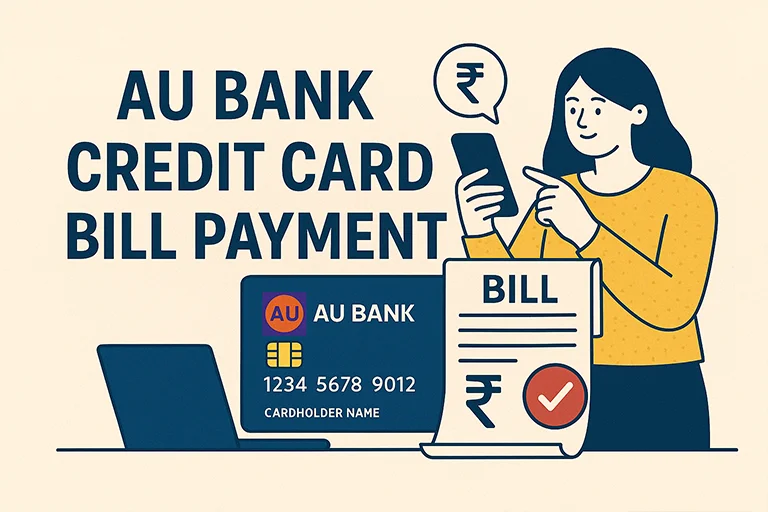

Timely credit card payments are key to managing your finances and maintaining a strong credit score. Axis Bank, one of India’s leading private sector banks, offers a wide range of convenient options for paying your credit card bills. Whether you’re comfortable with digital tools like mobile banking, UPI, and internet banking, or prefer traditional methods such as cash or cheque, Axis Bank ensures flexibility and ease at every step.
Online Methods to Pay Axis Bank Credit Card Bill
| Mode | Steps |
|---|---|
| Axis Bank Bill Desk for Credit Card Payment |
|
| Axis Bank CC payment via Net Banking |
|
| Axis Bank Credit Card Payment via UPI |
|
| Pay via Axis Mobile App |
|
| NEFT/IMPS Payment from Other Banks |
|
| Auto-Debit Facility (NACH) | To avoid missing due dates, you can set up an auto-debit mandate with Axis Bank.
|
Offline Methods to Pay Axis Bank Credit Card Bill
| Mode | Steps |
|---|---|
| Cash Payment at Axis Bank Branch |
(Note: Cash payments may include a processing fee.) |
| Cheque or Demand Draft Payment |
|
Frequently Asked Questions (FAQs) about Axis Credit Card Payment Online
1. Can I pay my Axis Bank credit card bill using another bank’s account?
Yes, you can use BillDesk, UPI, or NEFT to pay from any bank account.
2. How long does it take for the payment to reflect?
- UPI & BillDesk: Instant
- NEFT: Up to 24 hours
- Cheque: 3-4 working days
3. What happens if I miss my credit card bill due date?
Missing the due date can lead to:
- Late payment fees
- Higher interest rates
- Negative impact on your credit score

Digital marketing professional with over 10 years of experience across multiple areas including WordPress website management, email marketing, SMS marketing, Mail server administration (Linux), Google Ads, and basic programmatic advertising (DSP). With hands-on experience in content management, affiliate marketing contributes to delivering optimized digital solutions and smooth website operations.