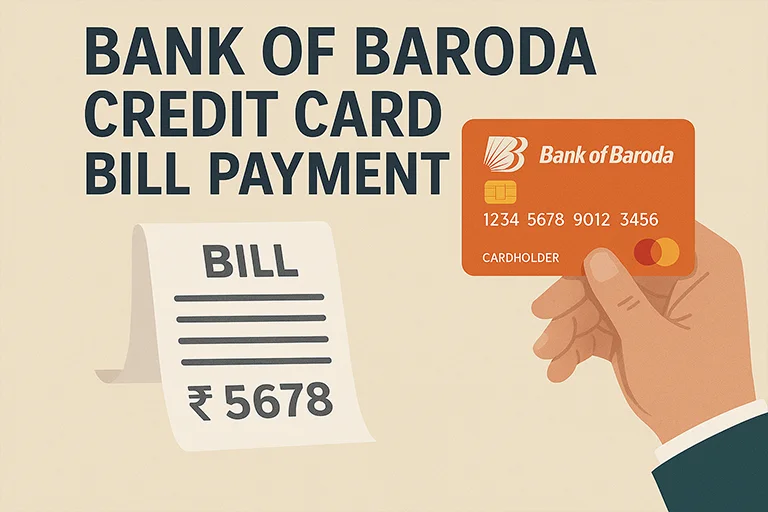
If you’re using a Bank of Baroda credit card, keeping track of your bill payments is just as important as using the card wisely. Timely payments help you avoid late fees, maintain a good credit score, and keep your financial health in check. Thankfully, Bank of Baroda offers multiple convenient options, both online and offline to make your credit card bill payments simple and hassle-free.
Online Methods to Pay Bank of Baroda Credit Card Bill
What's inside?
| Mode | Steps |
|---|---|
| BOB Credit Card Payment via Bill desk |
|
| BoB Credit Card Payment via Net Banking |
|
| BoB Credit Card Bill Payment via Mobile Banking App |
|
| BoB Credit Card Payment via UPI |
|
| NEFT/RTGS Payment for BoB Credit Card |
|
| BoB Credit Card Bill Payment via Auto-Debit |
|
Offline Methods to Pay Bank of Baroda Credit Card Bill
| Mode | Steps |
|---|---|
| Cash Payment |
|
| Cheque or Demand Draft (DD) Payment |
|
| ATM Payment |
|
Points to Remember about BOB Credit Card Bill Payment
- Check Processing Time: NEFT and UPI payments are usually instant, while cheque payments may take 2-3 days.
- Avoid Late Fees: Always pay at least the minimum amount due before the due date to avoid penalties.
- Confirm Payment: Keep a receipt or screenshot as proof of transaction.
- Use Secure Networks: When making BOB credit card payment online, ensure you are on a secure network to prevent fraud.
FAQs on Bank of Baroda Credit Card Bill Payment
Q. How long does it take for my BOB credit card payment to reflect?
⇒ Online payments like Bill Desk BOB credit card payment, UPI, and net banking are usually processed instantly. NEFT and RTGS take about 2-3 working hours, while cheque payments take 2-3 working days.
Q. Can I pay my BOB credit card bill using another bank’s account?
⇒ Yes, you can use NEFT, RTGS, or Bill Desk to pay from another bank account.
Q. What happens if I miss my BOB credit card bill payment?
⇒ Missing a payment can lead to late fees, high-interest charges, and a negative impact on your credit score.
Q. Can I pay my BOB credit card bill using Paytm or Google Pay?
⇒ Yes, you can pay using UPI through Paytm, Google Pay, PhonePe, or other UPI apps.
Q. Can I schedule automatic payments for my BOB credit card?
⇒ Yes, you can set up auto-debit from your Bank of Baroda savings account to pay your credit card bill automatically.

Digital marketing professional with over 10 years of experience across multiple areas including WordPress website management, email marketing, SMS marketing, Mail server administration (Linux), Google Ads, and basic programmatic advertising (DSP). With hands-on experience in content management, affiliate marketing contributes to delivering optimized digital solutions and smooth website operations.