How to link a Fastag to a Bank Account?
What's inside?
Linking your FASTag with the right payment source is essential for seamless toll payments while driving across India’s highways. Whether you prefer using your bank account, a mobile wallet, or a UPI app, FASTag gives you the flexibility to manage toll charges in a way that suits your lifestyle.
What Can You Link FASTag With?
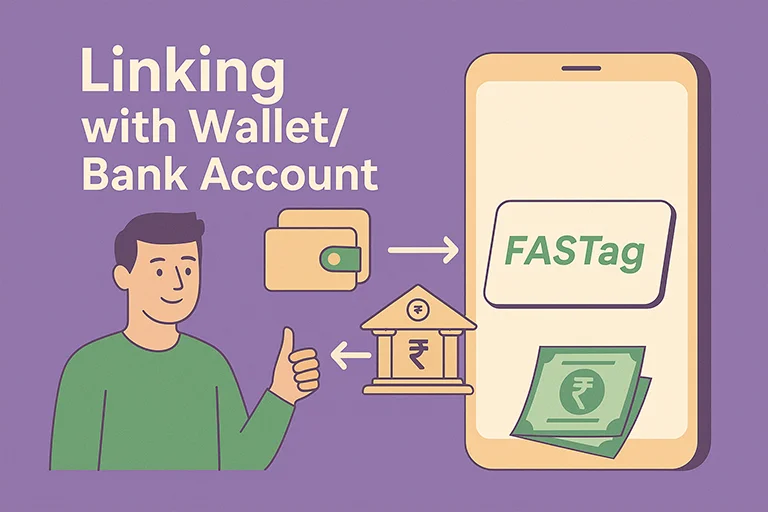
When you purchase and activate a FASTag, you must link it to a valid payment source so that toll fees are deducted automatically when you pass through toll plazas. You can link FASTag to:
1. Bank Accounts
- Savings Account
- Current Account (for businesses and fleet owners)
- Cash Credit (CC)/Overdraft (OD) Accounts
- Linked Fixed Deposits (for secured limits)
Benefits:
- Instant deduction of toll charges from your bank
- Detailed toll transaction history in your bank statement
- Better control via net banking or bank apps
- Auto-debit and recharge settings available
2. Prepaid Wallets
Some third-party providers offer FASTag that can be linked to wallet balances, without needing a traditional bank account.
| Provider | Linked Wallet |
|---|---|
| Paytm FASTag | Paytm Wallet |
| Amazon FASTag | Amazon Pay |
| PhonePe FASTag | PhonePe Wallet |
Benefits:
- No need to open a separate bank account
- Easy to manage, recharge, and track transactions via app
- UPI-based or wallet-based top-ups supported
- Quick setup and activation from home
3. UPI Apps
Many users prefer linking FASTag indirectly via UPI-enabled apps like:
- BHIM
- Google Pay
- WhatsApp Pay
- PhonePe
- Paytm UPI
Key Features:
- Recharge FASTag using your UPI ID (e.g., xyz@upi)
- No login required into bank portals
- Instant top-ups from your mobile
- Set UPI auto-debit mandates (available with some providers)
Multi-Account Linking and Priority Settings
Most FASTag platforms now allow you to link up to 6 different payment sources to a single tag. This feature ensures uninterrupted toll payments, even if one account runs out of funds.
How It Works?
- You can set priority levels (e.g., Primary, Secondary, Backup) for each source
- If your primary bank/wallet has insufficient funds, the system automatically tries the next linked source
- Prevents failed transactions or blacklisting due to low balance
Example:
| Priority | Linked Source |
|---|---|
| 1st | HDFC Bank (Primary Bank) |
| 2nd | Paytm Wallet |
| 3rd | Google Pay UPI |
FAQs:
Q. Can I link FASTag to multiple bank accounts?
You can link one FASTag to multiple payment sources, but not multiple FASTags to one vehicle.
Q. How do I change the linked account on FASTag?
Contact your issuing bank or wallet provider. You may need to update KYC or raise a request via the mobile app.
Q. Is wallet-based FASTag safe?
Yes. Wallet-based FASTags are regulated by NPCI and NHAI, and follow RBI guidelines for digital payments.
Q. Which is better- Bank or Wallet FASTag?
Depends on your needs:
| Feature | Bank FASTag | Wallet FASTag |
|---|---|---|
| Account Linkage | Bank Account | Digital Wallet |
| SMS Alerts | From Bank | In-App Notifications |
| Auto Recharge | Available | Available |
| Easy Setup | Moderate | Very Easy |
| Best For | Salaried/Business Users | App Users/Flexible Commuters |

Digital marketing professional with over 10 years of experience across multiple areas including WordPress website management, email marketing, SMS marketing, Mail server administration (Linux), Google Ads, and basic programmatic advertising (DSP). With hands-on experience in content management, affiliate marketing contributes to delivering optimized digital solutions and smooth website operations.