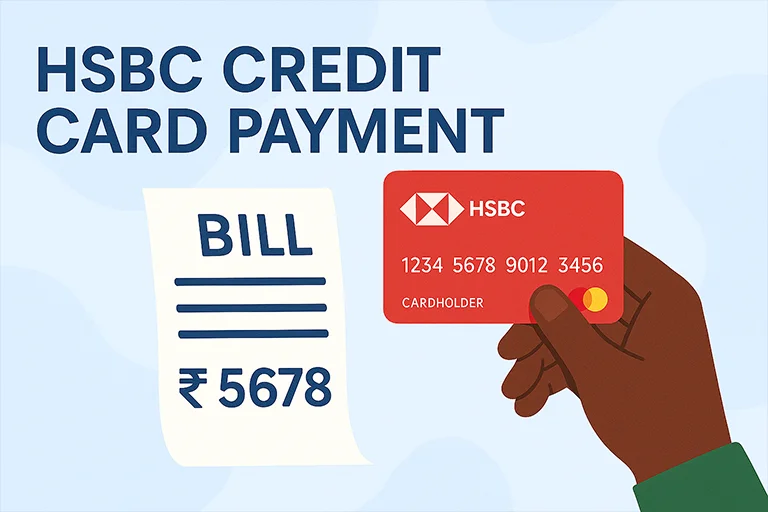
Managing your HSBC credit card payments efficiently is key to maintaining financial discipline and a strong credit score. HSBC offers its customers a range of secure and convenient payment options to ensure that bills can be settled on time, without any hassle. From digital banking solutions to traditional methods, you have the flexibility to choose what works best for you.
Methods to Pay HSBC Bank Credit Card Bill
| Mode | Steps |
|---|
| HSBC Credit Card Payment via Bill Desk | - Visit the official HSBC Bill Desk payment page.
- Enter your HSBC credit card details, payment amount, and email ID for confirmation.
- Select your preferred payment method (Net Banking, Debit Card, or UPI).
- Authenticate the transaction and complete the payment.
- You will receive an email and SMS confirmation once the payment is successful.
|
| HSBC Credit Card Bill via Net Banking | - Log in to HSBC Internet Banking using your credentials.
- Navigate to the “Credit Card” section and select “Make a Payment.”
- Choose the linked HSBC account you wish to pay from.
- Enter the amount (minimum due or full amount) and confirm the payment.
|
| HSBC Mobile Banking App | - Download and open the HSBC Mobile Banking app.
- Log in and go to the “Credit Card” section.
- Select “Bill Payment” and enter the amount.
- Confirm the transaction, and you’re done!
|
| NEFT Payment for HSBC Credit Card Bill | - Log in to your bank’s net banking portal.
- Add your HSBC credit card as a beneficiary with the following details:
- Payee Name: Your Name (as on Credit Card)
- Account Number: Your HSBC Credit Card Number
- IFSC Code: HSBC0400002
- Enter the payment amount and complete the transaction.
|
| HSBC Credit Card Bill via UPI | - Open your preferred UPI app.
- Select “Pay to Bank Account.”
- Enter your HSBC credit card number as the account number and IFSC: HSBC0400002.
- Enter the amount and authenticate the transaction.
|
| HSBC Credit Card Auto debit Payments | - Log in to HSBC Net Banking and go to the “Credit Card” section.
- Choose “Auto Pay” and set the amount (minimum due or full amount).
- Confirm your request. The amount will be deducted automatically on the due date.
|
| Cash Payment | - You can visit an HSBC branch and make a cash payment for your credit card bill. A small processing fee may apply.
|
| Cheque or Demand Draft (DD) Submission | - You can write a cheque or demand draft in favor of HSBC Credit Card (Your Credit Card Number) and submit it at an HSBC branch or designated drop box.
- Processing Time:
- Cash payments are processed on the same day.
- Cheques and demand drafts may take 2-3 working days to clear.
|
Important Tips for HSBC Credit Card Payment / HSBC CC Bill
- Avoid Last-Minute Payments: Some methods, like NEFT and cheque, take time to process, so pay in advance.
- Set Up Payment Reminders: Use mobile banking alerts to get notified before the due date.
- Check Your Statement Regularly: Ensure there are no errors or fraudulent transactions before making the payment.
Digital marketing professional with over 10 years of experience across multiple areas including WordPress website management, email marketing, SMS marketing, Mail server administration (Linux), Google Ads, and basic programmatic advertising (DSP). With hands-on experience in content management, affiliate marketing contributes to delivering optimized digital solutions and smooth website operations.