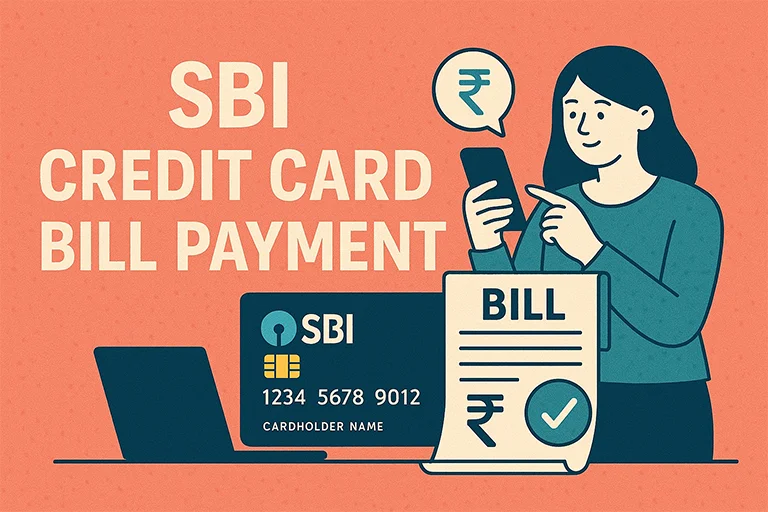
Managing your State Bank credit card payments on time is an important part of maintaining financial discipline and a strong credit score. To make this easier, State Bank of India (SBI) offers a variety of secure and user-friendly payment options to suit the needs of every cardholder. Whether you prefer digital platforms like internet banking and mobile apps or traditional methods such as cheque or cash payments, SBI ensures a smooth and reliable experience.
Online Methods to Pay SBI Credit Card Bill
What's inside?
| Mode | Steps |
|---|---|
| Bill Desk SBI Card Payment |
|
| SBI Card Payment via Net Banking |
Processing Time: Instant |
| SBI Card Payment via YONO mobile App |
Processing Time: Instant |
| SBI Credit Card Payment via UPI |
Processing Time: Instant |
| SBI Credit Card Bill Payment via NEFT |
Processing Time: 3-24 hours (excluding holidays) |
| SBI Credit Card Payment via Auto Debit |
Processing Time: Auto-debited on the due date. |
Offline Methods to Pay State Bank Credit Card Bill
| Mode | Steps |
|---|---|
| SBI Credit Card Payment via Cash | You can visit any SBI Bank branch and pay your credit card bill in cash.
|
| SBI Credit Card Bill Payment via Cheque or Demand Draft | You can also drop a cheque at an SBI drop box in any SBI branch.
|
| SBI Credit Card EMI Payment | If you have converted your purchases into EMIs, you can pay the SBI Credit Card EMI Payment via:
To convert a transaction into EMI, send SMS “EMI XXXX” to 5676791. |
SBI Credit Card Bill Statement & Payment Due Date Check
- SBI Card Net Banking: Log in and go to the Statements section.
- SBI YONO App: View credit card statement under the Cards section.
- SMS Service: Send SMS “BAL XXXX” (XXXX = Last 4 digits of your card) to 5676791.
SBI Credit Card Late Payment Charges
If you miss the due date, SBI applies late payment charges as follows:
| Total Amount Due | Late Payment Fee |
|---|---|
| ₹0 – ₹500 | ₹0 |
| ₹501 – ₹1,000 | ₹400 |
| ₹1,001 – ₹10,000 | ₹750 |
| ₹10,001 – ₹25,000 | ₹950 |
| ₹25,001 – ₹50,000 | ₹1,100 |
| Above ₹50,000 | ₹1,300 |
SBI Credit Card Block & Replacement
If your SBI Credit Card is lost or stolen, you can block it immediately through:
- SBI Card Net Banking: Go to Manage Card > Block Card.
- SMS Service: Send “BLOCK XXXX” (XXXX = Last 4 digits of the card) to 5676791.
- Call Customer Care: Dial 1860 180 1290.
A replacement card will be issued within 7-10 days.

Digital marketing professional with over 10 years of experience across multiple areas including WordPress website management, email marketing, SMS marketing, Mail server administration (Linux), Google Ads, and basic programmatic advertising (DSP). With hands-on experience in content management, affiliate marketing contributes to delivering optimized digital solutions and smooth website operations.