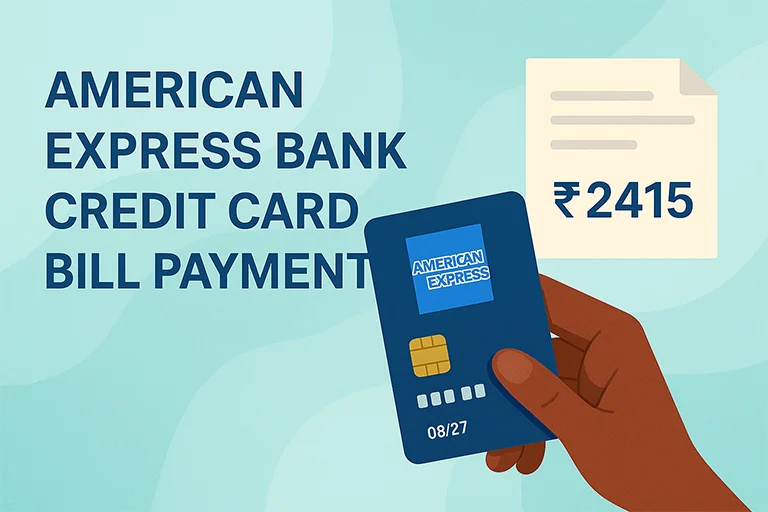
Paying your American Express credit card bill on time is essential to maintaining a strong credit profile and avoiding unnecessary charges. Known for its premium services, American Express offers its customers a range of convenient and secure payment options to suit every lifestyle. Whether you prefer digital platforms like net banking and mobile apps or more traditional payment methods, the process is designed to be quick, flexible, and hassle-free.
Online Methods to Pay American Express Credit Card Bill
| Mode | Steps |
|---|---|
| American Express Website (Net Banking Payment) |
|
| NEFT (National Electronic Funds Transfer) |
|
| UPI (Unified Payments Interface) |
|
| Auto Debit Facility | For those who prefer automated payments, American Express offers an Auto Debit feature. By using Auto Debit Service, the total outstanding or minimum due amount is automatically deducted from your registered bank account on the due date. To activate Auto Debit:
|
| Bill Desk & Other Payment Gateways |
|
Offline Methods to Pay AMEX Credit Card Bill
| Mode | Steps |
|---|---|
| Cheque or Demand Draft | If you prefer traditional payment methods, you can issue a cheque or demand draft in favor of: American Express Banking Corp Card No. XXXXX XXXXX XXXXX”
|
| Cash Payment | You can also make a cash payment at an American Express dropbox location. However, a processing fee may be applicable. |
| ECS (Electronic Clearing System) | This facility allows Amex cardholders to authorize periodic deductions from their bank accounts. You need to fill out a mandate form and submit it to American Express to activate ECS payments. |
Important points about AMEX Credit Card Bill Payment
- Payment Processing Time: NEFT, UPI, and online payments usually reflect within a few hours, while cheque payments take longer.
- Late Payment Charges: Missing your payment due date may result in late fees and higher interest rates.
- Confirm Your Payment: Always check your Amex account statement or mobile banking app after making a payment.
- Keep Proof of Payment: For cheque payments, keep a copy for reference until the payment is cleared.

Digital marketing professional with over 10 years of experience across multiple areas including WordPress website management, email marketing, SMS marketing, Mail server administration (Linux), Google Ads, and basic programmatic advertising (DSP). With hands-on experience in content management, affiliate marketing contributes to delivering optimized digital solutions and smooth website operations.