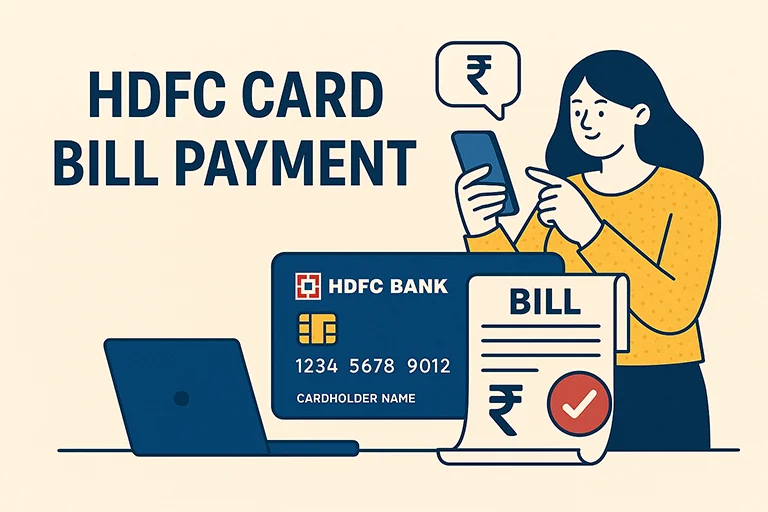
Paying your HDFC Bank credit card bill on time is one of the simplest ways to stay financially responsible and maintain a healthy credit score. As one of India’s leading private banks, HDFC offers multiple convenient payment options both online and offline to make bill payments smooth and hassle-free. Whether you’re using net banking, UPI, auto-debit, or prefer visiting a branch, the bank ensures secure and flexible ways to manage your dues.
Online Methods to Pay HDFC Bank Credit Card Bill
What's inside?
| Mode | Steps |
|---|---|
| HDFC Bank Bill Desk Payment |
|
| HDFC Net Banking |
|
| HDFC Credit Card Payment Through UPI |
|
| HDFC Credit Card Payment Through IMPS |
|
| HDFC Credit Card Payment Through NEFT |
|
Offline Methods to Pay HDFC Credit Card Bill
| Mode | Steps |
|---|---|
| HDFC Credit Card Payment by Cheque |
|
| HDFC Credit Card Payment Through Cash |
|
HDFC Credit Card Bill Check & Statement
- Log in to HDFC Net Banking or the HDFC Mobile App.
- Go to the “Credit Card” section.
- Select “View Statement” to check your bill details and due amount.
- You can also receive your bill via email or SMS.
How to Enable Online Payment for HDFC Credit Card?
- Log in to HDFC Net Banking or Mobile Banking.
- Navigate to “Credit Cards” and select “Manage Payments.”
- Enable “Online Transactions” and “Bill Payment Services.”
How to Check HDFC Credit Card Outstanding Amount?
- Log in to HDFC Net Banking or Mobile App.
- Select your credit card from the dashboard.
- The outstanding balance will be displayed.

Digital marketing professional with over 10 years of experience across multiple areas including WordPress website management, email marketing, SMS marketing, Mail server administration (Linux), Google Ads, and basic programmatic advertising (DSP). With hands-on experience in content management, affiliate marketing contributes to delivering optimized digital solutions and smooth website operations.